
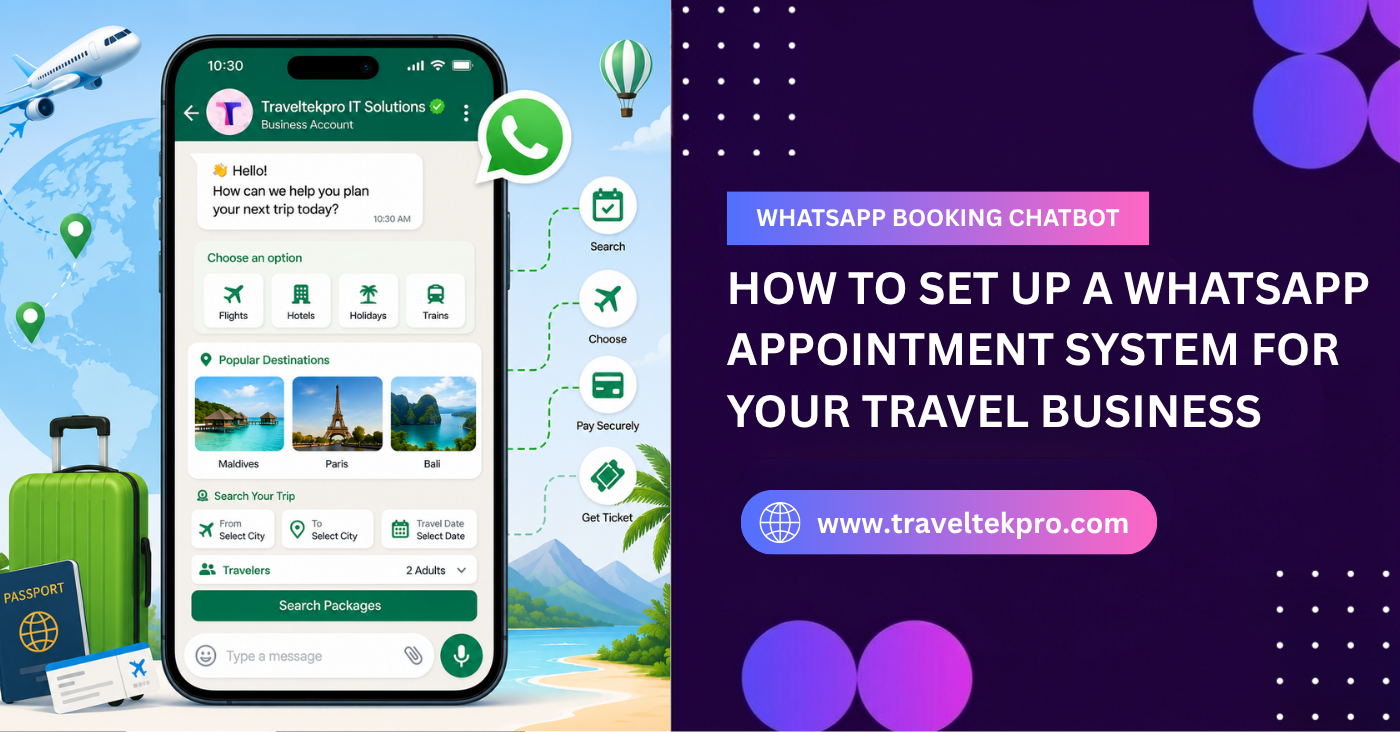
How to Set Up a WhatsApp Appointment System for Your Business
Think about how most people communicate today. When your customers want to book an appointment, ask a question or check availability, many of them no longer prefer making phone calls. Instead they send a quick message. This shift in behaviour is happening across almost every industry. Stop your customers sitting in an office might not want to make a call during work hours. Someone travelling might want a quick response without waiting on hold and others simply find messaging easier and less stressful. Messaging feels faster and more convenient. People are already using WhatsApp every day to talk with friends, family and colleagues. Naturally they now expect businesses to communicate in the same way. This is especially important for appointment based businesses where speed matters.
If your customer has to wait for business hours or stay on hold they often lose interest quickly. Modern customers expect quick communication and immediate responses. They want to send a message, get available slots, confirm an appointment and move on with the day. If you’re relying only on calls you’re creating friction without realizing it. The easier the booking experience feels the more likely your customers are to complete it. That is the only reason why businesses across industries are now shifting towards the WhatsApp booking system.
Whatsapp is No longer just a chat app it’s becoming a booking channel
For many years WhatsApp was mainly viewed as a personal messaging app but today that perception has completely changed as a business you can use WhatsApp for appointment booking customer support service inquiries automated reminders one payment communication. Customers already trust WhatsApp because they use it consistently in everyday life. Unlike unfamiliar booking platforms or complicated forms WhatsApp feels natural and comfortable. This familiarity matters. When your customers see a WhatsApp booking option they immediately understand how to interact with it there is no learning curve. People can book appointments anytime, continue conversations and share documents or photos easily.
This creates a smoother customer experience compared to traditional appointments systems. You can also benefit because communication becomes centralized and faster. Instead of managing disconnected channels like calls or emails WhatsApp creates a direct communication flow between you and your customer. The easier the booking process feels the more likely your customers are too completed.
Before setting up anything understand how customers actually book
One of the biggest mistakes you might make is designing appointment systems around the internal operations instead of customer behavior. You might just care about how easy and fast the booking experience feels.
1. Urgent bookings
Some customers need immediate appointments for example repair services or emergency consultations. These users expect quick responses and fast scheduling. If the process takes too long they move on to competitors in no time.
2. After hours inquiry
A lot of customers search and book appointments outside normal business hours. Customers might send a message late at night expecting at least an automated response or next step instruction. Without automation these inquiries often remain unanswered for several hours.
3. Repeat customers
Returning customers usually want speed. They do not want to repeat details every time they book.
4. Mobile first users
Most WhatsApp interactions happen on mobile devices. This means our booking flow must feel quick, clean and mobile friendly from start to end. Your WhatsApp Appointment Booking system should match customer habits not internal processes.
The real components behind WhatsApp booking chatbot
you might think a WhatsApp booking system simply means chatting with your customers on WhatsApp. But in reality a proper system includes several connected operational components working together.
-
Conversion flow
This controls how customers begin the booking process. For example selecting services, choosing categories and sharing booking details. A well designed conversation flow feels natural instead of robotic.
-
Time slot magic
This is one of the most important parts of the system. At managers available slots blocked timings and staff scheduled. Without proper slot handling booking chaos happens in no time.
-
Automated responses
Automation ensures that your customers receive admitted replies even when staff is unavailable. This includes welcome messages booking confirmations service information and cancellation instruction. Automation improves responsiveness greatly.
-
Reminder system
Missed appointments cost your business money. Automated reminders help reduce no shows by sending notifications before appointments. This improves operational efficiency and customer attendance.
-
Staff coordination
Behind the scenes the system should assign appointments internally based on availability departments and staff schedule. This prevents confusion and also improves workflow management. A good WhatsApp Appointment Booking Feels natural to your customers but structured behind the scenes. Your customer experiences simplicity while the system handles operational complexity automatically.
Why does manual WhatsApp booking become chaotic very quickly?
You might begin by handling WhatsApp bookings manually. At first it feels really manageable. If your daily inquiries can be handled easily by replying directly through chat but as booking volume increases problems start appearing. You might begin facing issues like most messages overlapping appointments, delayed replies and staff confusion. Manual coordination becomes difficult because WhatsApp conversations are not designed to manage operational workflows at scale. For example one employee might confirm booking without knowing another staff member already assigned the same slot. Customers might also become frustrated if they need to wait too long for a response. What works for five bookings a day often fails at 50. As your business grows automation and structured booking logic becomes important. Without systems communication becomes disorganized very quickly.
Mapping the customer journey before building the system
One major mistake that you might make is automatic too early without deciding the customer experience properly. Before building a WhatsApp booking chatbot, map the full appointment journey clearly.
1. Inquiry
You need to understand how the customer initiates contact. Will they make a WhatsApp button from your website to your social media page?
2. Time selection
The system should present available slots clearly without confusion.
3. Confirmation
Your customers should receive immediate confirmation with all the booking details.
4. Reminder
Automated reminders views missed appointments greatly.
5. Follow up
Post appointment communication helps improve your customer retention and repeat bookings. A lot of businesses automate too late instead of designing the experience first. The customer journey must feel smooth before automation is added.
Choosing between basic WhatsApp setup versus automated WhatsApp booking system
| Basic WhatsApp Booking | Automated WhatsApp Appointment System |
| Manual replies | Instant automated responses |
| Staff-managed scheduling | Smart time-slot handling |
| Higher chance of missed bookings | Organized booking flow |
| Limited scalability | Handles high booking volume |
| Time-consuming | Operationally efficient |
A basic WhatsApp set up might work for small businesses initially. But as appointment volume increases manual management becomes inefficient and difficult to scale. Automated systems improve response speed booking accuracy and operation organization. They also reduce dependency on constant staff coordination .
Designing a booking flow that feels human not robotic
One of the biggest mistakes that you might make while setting up a WhatsApp booking system is focusing too much on automation and forgetting the customer experience completely. Automation is important but customers still want interactions to feel natural. You might create booking flows that are mechanical and frustrating. Your customers receive endless automated replies confusing menu options or chat bot responses that do not understand simple requests. Instead of making the process easier, automation often creates more friction. The goal should not be to remove human interaction completely.
Why instant confirmation changes customer behavior?
One of the most powerful advantages of WhatsApp Appointment Booking is instant confirmation. This might sound like a small feature but psychologically it has a major impact on your customer feature. Customers often wondered if the booking went through? Is the slot really reserved? If the confirmation takes too long, confidence drops in no time. It is especially true in mobile first environments where your users expect immediate feedback.
As soon as the booking is completed your customers receive appointment details booking ID and timing confirmation. This creates reassurance. Behaviorally people are far more likely to follow through the appointments when confirmation feels immediate and official. Delayed confirmations also creates room for doubt and cancellation. People are more likely to commit when confirmation feels emitted.
The hidden power of automated reminders
You might underestimate how important reminder systems are. They see reminders like ohh simple notification but in reality reminders directly impact your revenue operational efficiency and customer retention. One of the biggest operational problems appointment based businesses face is no shows. When your customers forget appointments you lose time, revenue and scheduling opportunities. Automated reminders before appointments greatly improve attendance rates. But timing matters. Or reminders sent too early will be forgotten and a reminder sent too late might not help at all.
Most successful appointment systems use layered reminder strategies like confirmation immediately after booking reminder 24 hours before appointment and a reminder few hours before appointment. This keeps the appointment fresh in your customer’s mind. Reminders also improve customer experience because they reduce the need for customers to manually track appointments. But also reminders are not only operational tools. They function like retention and marketing tools. For example you can use follow up reminders to encourage repeat bookings or request reviews. This transformation reminders from simple notifications into customer engagement opportunities.
Integrating your WhatsApp appointment system with your existing workflow
The WhatsApp appointment system should not operate separately from the rest of your business. One of the biggest reasons the appointment system failed is because they create disconnected workflows internally.
-
Calendar integration
Appointment should sync automatically with staff calendars and scheduling systems. This prevents overlapping appointments and improves visibility.
-
CRM integration
Connecting the system with CRM software helps you manage customer history preferences and communications more effectively. This improves personalization and repeat customer management.
-
Payment integration
If your customers can pay directly during the booking process it becomes much smoother. Integrated payment systems reduce delays and improve booking confirmation rate.
-
Staff scheduling
The system should support internal coordination automatically. For example assigning appointments to available staff and blocking unavailable slots. This reduces operational confusion greatly. The system should fit into operations naturally.
Mobile experience matters more than features
You might focus heavily on adding features while ignoring usability. But most customers do not care about advanced functionality. They care about convenience. Today customers book appointments for commuting, multitasking , working and travelling. This means your booking experience must feel effortless on mobile devices. A complicated interface creates immediate dropoffs. Your customers do not want to scroll endlessly or type too much information. The best mobile booking experience is simple and focused. For example clear service options, quick time slot selection and fast confirmation all improve completion rates greatly. Speed also matters. IF replies or booking flows feel slow your customers lose patience quickly.
Common mistake businesses make when setting up WhatsApp appointment booking
You might adopt WhatsApp booking systems quickly but fail to plan the experience properly. This creates operational and customer experience problems. One common mistake is over automation. You often create complicated chatbot flows with too many steps making the process feel frustrating instead of helpful. Another issue is slow response management. Even with automation, delayed replies during key booking moments reduce conversion rates. Your customers should always know what happens next whether the booking is confirmed or what information is required. Some businesses also fail to implement reminder systems entirely. This increases missed appointments unnecessarily.
How to know if your WhatsApp booking chatbot System is actually working?
You might launch appointment systems but never properly evaluate performance. The success of the system should not be measured only by message volume. You need to understand the booking completion rate. How many customers who start the booking process actually completed? The low completion rate often indicates friction in the booking flow. Are reminder systems reducing missed appointments? This directly affects operational efficiency and revenue. Our customers returning to book again? This helps measure customer satisfaction and convenience. You should measure behavior, not just messages.
Scaling from simple messaging to a full booking ecosystem
You might start with basic WhatsApp communication and eventually realize that you need something much more structured. As booking volume grows operations become more complex. You might eventually need multiple staff coordination centralized analytics and reporting dashboards. This is why scalability matters more from the beginning. Your setup should support future business growth. A system that works for one staff member today that struggles by managing larger operational complexity tomorrow. Your businesses should think beyond immediate needs and build systems capable of evolving over time.
Customers today expect appointment booking to feel fast, simple and convenient. You might continue relying on manual coordination or disconnected communication methods then there are chances that this creates unnecessary friction. A strong WhatsApp appointment system improves booking convenience, customer satisfaction and operational efficiency. The best systems combine automation with human friendly communication. A great WhatsApp appointment system doesn’t just save you time it also you can just have your customers interact with your business.
Ready to set up a smarter WhatsApp appointment system? Connect with experts at Traveltekpro and they can help you build seamless WhatsApp booking experiences that improve customer communication and reduce missed appointments. Start building your WhatsApp appointment system today.
Read More: Why Every Travel Agency Needs a WhatsApp Booking System in 2026
FAQ'S
Related Blogs
How to Find the Best Hotel Booking Website Development Company
How to Find the Best Hotel Booking Website Development Company Choosing a company for hotel booking website development is not completely the same as hiring someone to build a regular business website. A normal website…
Oct 12, 2026Read More
How an Online Hotel Booking System Can Enhance Guest Experience and Increase Revenue
How an Online Hotel Booking System Can Enhance Guest Experience and Increase Revenue Your guest does not start experiencing a hotel when they walk through the lobby doors. The experience often starts several days or…
Oct 9, 2026Read More
Get in touch
Email Us
sales@traveltekprogroup.com“We opted for Traveltekpro to construct and implement our Flight booking system, and I am thoroughly pleased with the outcomes. Their team displays remarkable efficiency, expertise, and utmost professionalism throughout the project.”

Arun Neli
Chief Operating Officer
“I had a fantastic experience with Traveltekpro! Their custom booking system designed for our platform is not only sleek and easy to use,but it has also received excellent feedback rom our customers. Kudos to the Traveltekpro team for their outstanding work!”

Benjamin Smith
Product Manager
“Traveltekpro has been a delight to collaborate with on two distinct occasions, showcasing professionalism and expertise. Their team demonstrates a commitment to surpassing expectations and adheringto deadlines.”

Kevin Brown
CTO
“We partnered with Traveltekpro for our travel booking platform, and the experience was excellent. The team understood our requirements quickly, delivered on time, and provided great support throughout the project. Highly recommended.”

Manish Singh
Director of IT
“Great experience working with Traveltekpro. They were responsive, knowledgeable, and always ready to suggest better solutions. The final product exceeded our expectations, and the after-launch support has been excellent.”

Shubham Rawat
Founder & CEO