
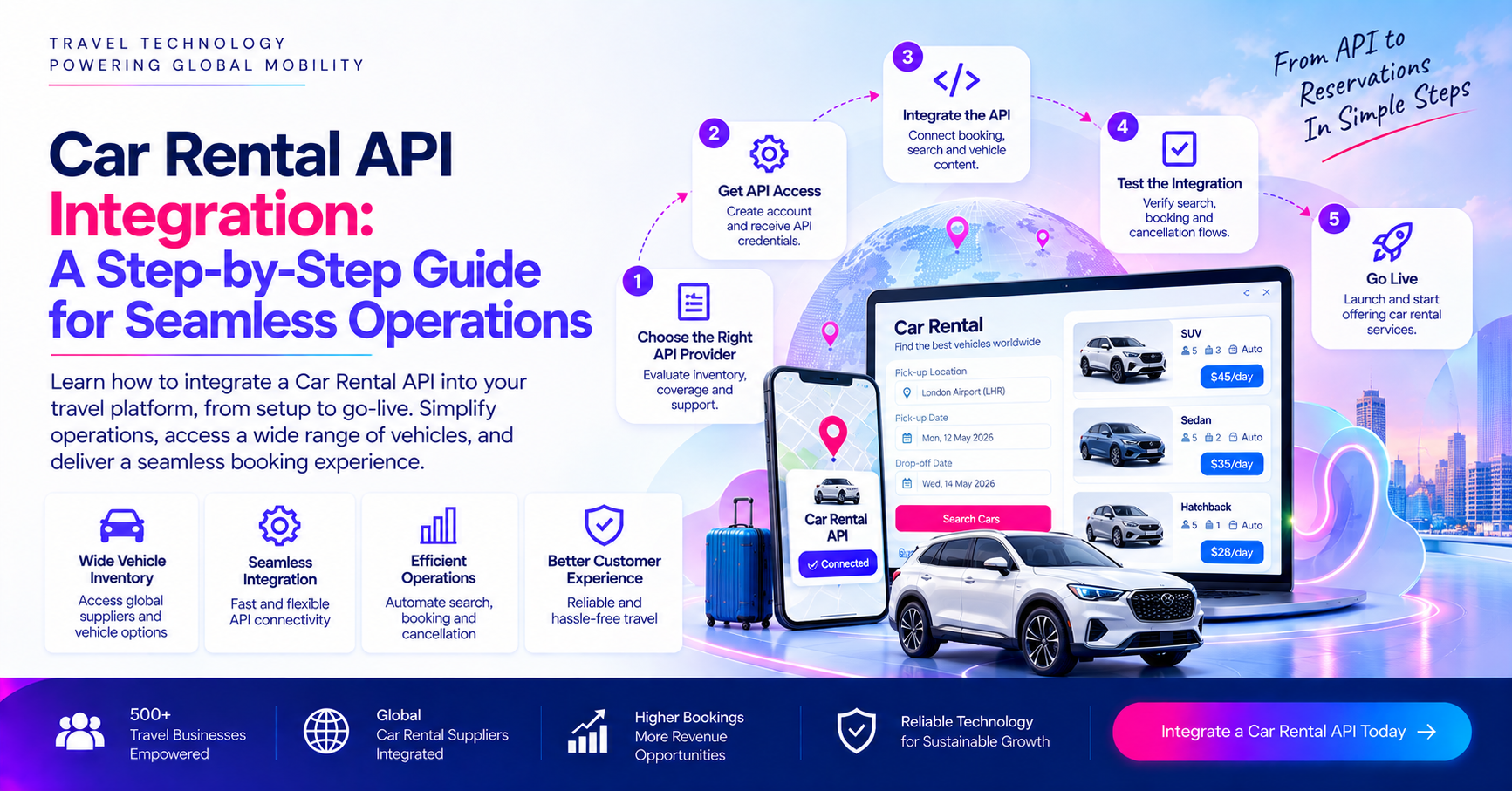
Car Rental API Integration: A Step-by-Step Guide for Seamless Operations
Just imagine a customer is booking a 5 day trip to Dubai through your travel website. They have already booked their flight and hotel and now they want a rental car. Instead of asking them to visit another website, your portal lets them search available cars, compare prices, check rental companies and make payment, and receive confirmation from the same booking journey. For the customer, it feels really simple but behind the simple experience several systems need to communicate clearly. Your platform sends the search details to the Car Rental API . The connected API returns vehicle rates, availability and rental conditions. Your booking system organizes the information, applies your pricing rules and displays the results. Once the customer selects a vehicle another request is sent to the supplier to complete the reservation. That is the only reason why Car Rental API Integration is way more than just connecting one system to another. It involves inventory, location data pricing, booking payment and confirmation.
What happens when a customer books a rental car through your website?
Your customer journey usually begins with a simple search. They enter a pickup location and return location dates and time besides other information required by the booking platform. Your platform sends these details to the connected API. The Car Rental Supplier or even aggregator then processes the request and sends available vehicles and rates back to your platform. Your website or booking engine turns that supplier data into results that the customer can understand and even compare. The customer selects a vehicle and enters the required traveler or driver information. Depending on the booking process your system might perform another availability or price check before submitting the final reservation. Once the booking request is sent the supplier either confirms the reservation or even returns the error. If successful, avoiding reference or confirmation numbers returns to your platform. Your system then records the booking and sends the customer the confirmation.
Before integration decide what kind of car rental inventory you need
Before your development team starts working with the Car Rental API you need to decide where your car inventory will come from. The right choice depends on your destination’s business model, expected booking volume and level of control.
1. Direct car rental suppliers
A direct supplier connection makes much sense when you have a strong relationship with a particular rental company and want direct access to the inventory. This model can give you a more focused inventory source but it also means that your coverage depends heavily on that supplier.
2. Car rental wholesalers
Wholesalers can provide access to inventory from multiple rental companies through a commercial relationship with one intermediary. This can be useful for agencies and OTS that want broader coverage without negotiating separately.
3. Aggregators
An aggregator can reduce the technical work involved in maintaining several individual connections. Instead of integrating separately with many suppliers your platform might receive inventory through one API connection. But fewer technical connections do not automatically mean fewer operational considerations.
4. Local car rental companies
For destination focus businesses local suppliers can be particularly important. If you are operating heavily in one country or one region you might need vehicles that are not available through large international sources.
Should you connect one supplier or multiple suppliers?
There is no single answer for every travel business. A single supplier can make Car Rental API Integration simpler but it might restrict inventory and also create dependency. Multiple suppliers increase destination coverage and also provide more options for comparing dates . But they also create more work around data mapping and duplicate vehicles.
| Integration Model | Suitable For | Main Consideration |
| Single supplier | Focused travel businesses | Limited inventory coverage |
| Multiple suppliers | OTAs and larger agencies | More mapping and integration work |
| Wholesaler | Businesses wanting aggregated inventory | Dependency on intermediary |
| Aggregator API | Platforms seeking broader inventory through one connection | Data and booking quality need evaluation |
| Direct + aggregator | Larger travel platforms | More flexibility with greater technical complexity |
Define booking workflow before writing any integration code
One of the easiest mistakes is to start with Car Rental API documentation before deciding how the booking should actually work. Then decide what happens at each step. For example will customers book rental cars separately or will they add a car after booking a flight or a hotel? Will the platform support B2C customers? You also need to decide who owns the booking record and who sends the final confirmation. These questions affect the integration architecture.
Connect the car rental API to your booking platform
Once the workflow is cleared the technical Car Rental API Integration can begin. The API provider will normally provide documentation explaining how your system should communicate with its platform. Depending on the provider this can include API credentials, endpoints , request formats, response structures and testing instructions. Your platform and structured request to the API receives structured responses and returns. But the data returned by the supplier might not match the format used by your own booking engine. This is where the integration layer matters.
Map locations vehicles rates and policies
Data mapping is one of the most important parts of car rental API integration. A customer might search for Dubai International airport but suppliers might use different location IDs or codes for the same. Your platform therefore needs a reliable location mapping system so that your customers search reaches the correct supplier location. Vehicle names are another common problem. 2 suppliers might offer similar vehicles but describe them differently. One might return a specific model while another provides a vehicle category with or a similar condition. Prices can even be more complicated. One supplier’s displayed rate might include taxes and fees while another might return some charges separately. Commission markup and currency conversion can also affect the final price.
Build a search and availability layer
Now you can build the actual search process around the car rental API. A typical search request can include the pickup location drop off location pickup date and time besides currency and market information. The API can then return the information such as vehicle category supplier rate and availability. You also need to consider a customer searching for a rental car at Dubai International airport for 5 days. Your platform might receive several vehicles from different suppliers. At this point the challenge is not simply receiving the data. Your system should organize it in a way that makes comparison useful.
Make pricing consistent before showing it to your customers
Car rental pricing can become complicated because the supplier’s rate is not always the same as the final amount paid by the customer. Your business must decide how this calculation works before the integration goes live. You might receive net rates and add your own markup. At times you also need to convert currencies or account for airport fees and additional charges. Optional extras can also affect the final amount. The important thing is consistency. If your website displays one amount during search and substantially different rate during booking your customers might just abandon the transactions or contact your support team.
Connect booking payment and confirmation
Search is just part of integration. The booking process is where several systems often have to work together. A typical flow is like a customer selects a vehicle your system checks the price and availability where required. Then the customer provides the necessary details, payment is processed and the booking request is submitted to the supplier. The Car Rental Supplier confirms the reservation and returns a confirmation number of your platform, stores the booking and sends the confirmation to the customer. But what if the payment succeeds and the supplier rejects the booking. This is one of the biggest scenarios your system must be designed to handle properly. Your payment status and booking status should not be treated as the same thing. A payment can be successful while the supplier booking remains unsuccessful. Your platform might need to prevent duplicate booking attempts, record the supplier error and determine whether a retry is appropriate.
Handle charges cancellations and post booking services
A rental booking does not end when the confirmation email is sent. Your customers also need to cancel the booking, change the dates and modify pickup details. Your platform therefore needs to understand what most booking functions to supply or API supports. Cancellation deadlines are particularly important. A booking might be refundable until a certain time and non refundable afterward. Your platform must display the applicable rule and send the correct cancellation request. The same rule applies to modification. If a customer changes the pickup time or rental dates the system might need to check availability and price again before confirming the charge.
So you need to know that It’s completely easy to measure integration by the number of suppliers or vehicles it brings into a platform. But inventory is only the starting point. A reliable car rental integration needs to connect the complete journey. To complete your car rental API integration you can connect with experts at Traveltekpro.
Read More: How to Choose the Best Car Rental Provider for Your Needs
FAQ'S
Related Blogs
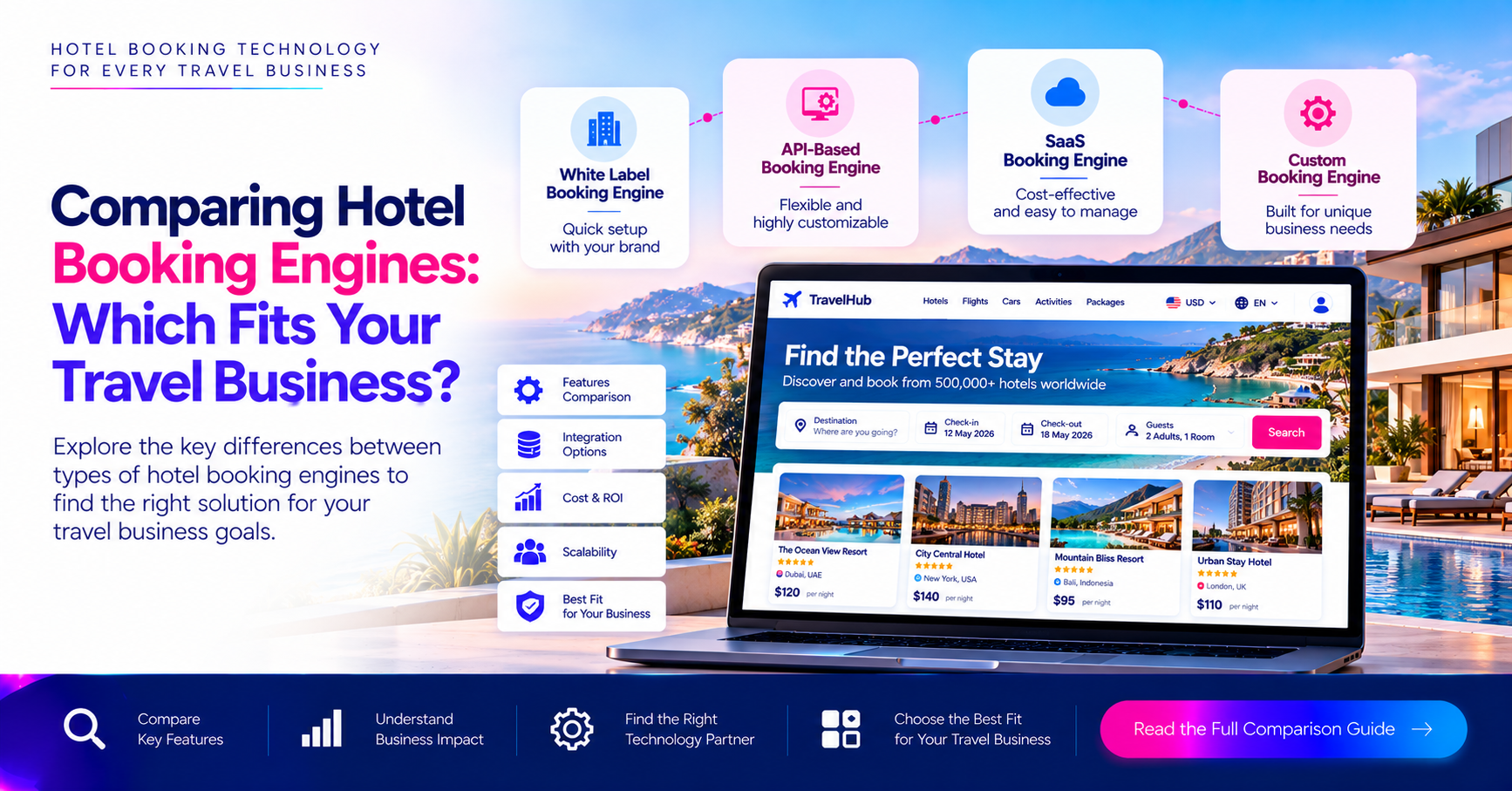
Comparing Hotel Booking Engines: Which Fits Your Travel Agency Best?
Comparing Hotel Booking Engines: Which Fits Your Travel Agency Best? Choosing a Hotel Booking Engine is way more than just finding a system that displays room rates and lets your customers make a reservation. For…
Oct 20, 2026Read More
Get in touch
Email Us
sales@traveltekprogroup.com“We opted for Traveltekpro to construct and implement our Flight booking system, and I am thoroughly pleased with the outcomes. Their team displays remarkable efficiency, expertise, and utmost professionalism throughout the project.”

Arun Neli
Chief Operating Officer
“I had a fantastic experience with Traveltekpro! Their custom booking system designed for our platform is not only sleek and easy to use,but it has also received excellent feedback rom our customers. Kudos to the Traveltekpro team for their outstanding work!”

Benjamin Smith
Product Manager
“Traveltekpro has been a delight to collaborate with on two distinct occasions, showcasing professionalism and expertise. Their team demonstrates a commitment to surpassing expectations and adheringto deadlines.”

Kevin Brown
CTO
“We partnered with Traveltekpro for our travel booking platform, and the experience was excellent. The team understood our requirements quickly, delivered on time, and provided great support throughout the project. Highly recommended.”

Manish Singh
Director of IT
“Great experience working with Traveltekpro. They were responsive, knowledgeable, and always ready to suggest better solutions. The final product exceeded our expectations, and the after-launch support has been excellent.”

Shubham Rawat
Founder & CEO