
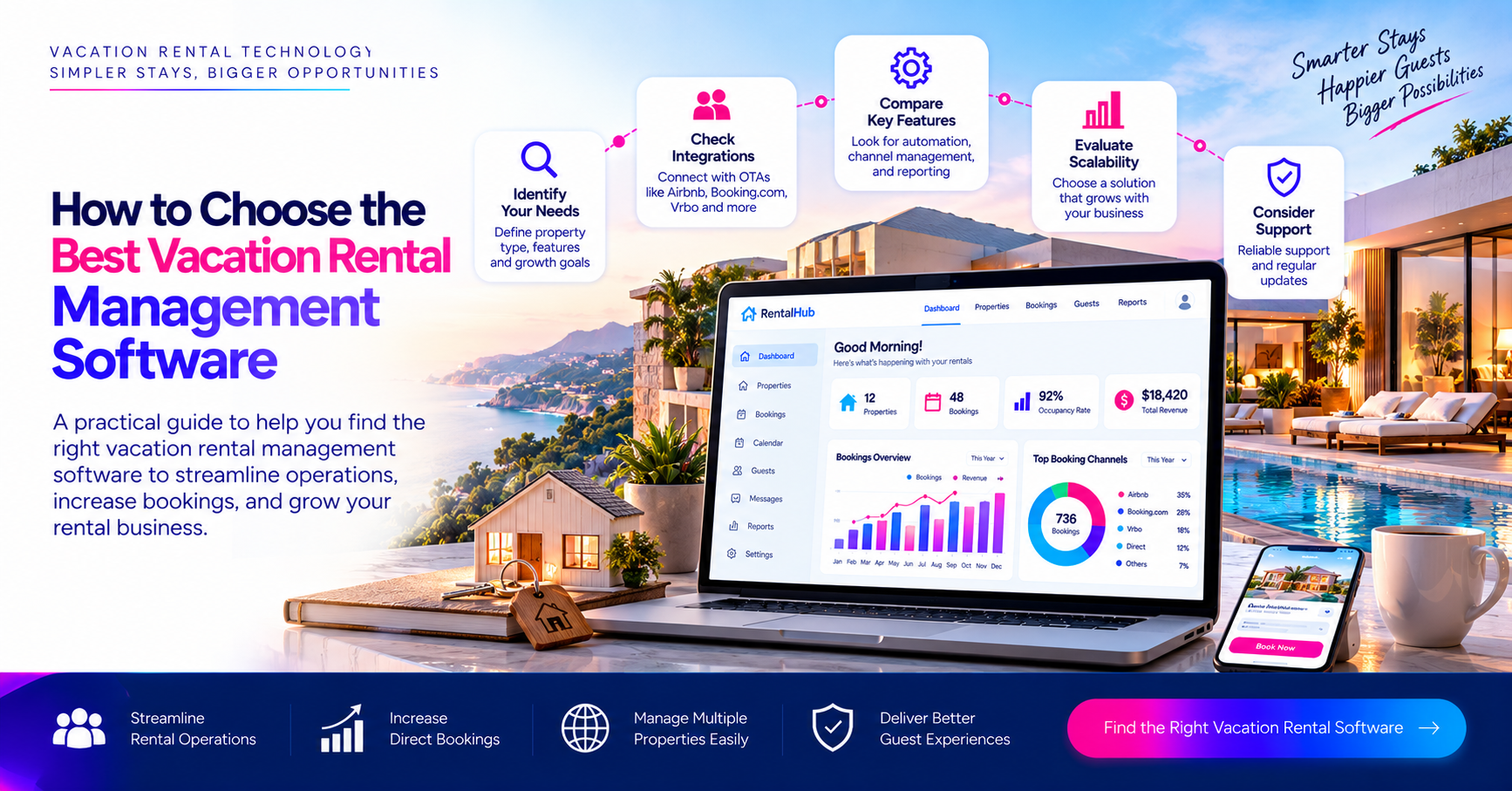
How to Choose the Best Vacation Rental Management Software
Choosing the right Vacation Rental Software is not simply about comparing platforms or counting features. A system can have a long list of capabilities and still create problems if those capabilities do not fit the way your rental business operates. Think about a single villa: a guest books it for 4 nights, reservation needs to update availability and payment needs to be tracked, housekeeping needs to prepare the property and the team needs to know when the property is ready for the next guest. Now imagine managing the process across 50, 100 or even 500 properties. The real value of the Vacation Rental System comes from keeping these activities connected. That is the only reason why the right way to compare software is to start with your actual booking And property management workflow rather than a feature checklist.
Start with your entire vacation rental booking cycle
Before comparing vacation rental management software you need to follow what happens to one property from the moment it is booked until the guest leaves.
-
Following the booking from reservation to checkout
A typical reservation can involve much more than just booking itself. Once your guest confirms a 4 night stay availability needs to change, payment needs to be recorded and the guest might need several messages before arrival. After the guest checks in the property team still has to manage the stay and prepare for checkout. Once your guest leaves, cleaning inspection and preparation for the next reservation begins.
-
Look at what happens between departments
A reservation might involve customer service, finance and housekeeping. If each department works in a different system, information can become really outdated. A booking might be confirmed by one person while housekeeping has not received the update.
Identify the biggest problem in your current objection
There is no point buying Vacation Rental Software before understanding what is slowing down your business
1. When double bookings are the main problem
If the same property is appearing as available on different booking channels and channel synchronization should be a major consideration. Your system needs to keep availability aligned so that a reservation received from one source does not leave another channel showing incorrect inventory.
2. When stock are repeating manual work
If your employees are copying reservations between systems manually, updating calendars or sending the same information repeatedly might be more important than just adding additional reporting features. The goal is to remove repetitive work where the same information is being entered more than once.
3. When property operations are becoming difficult
If housekeeping teams regularly miss turnovers or property managers cannot see which homes are ready the software needs stronger operational workflows. Similarly if owners constantly contact your team for booking and revenue updates owner reporting and control access might need to be part of the system.
Understand which type of vacation rental software you actually need
The term Vacation Rental System Then describes different types of technology. Understanding the difference helps you avoid buying a system for the wrong problem.
-
Vacation rental property management system
A vacation rental PMS is generally used to manage property reservations, guests and operational activities. Depending on the platform it can also support tasks reporting and other property management workflows.
-
Channel manager
Channel manager is basically concerned with distributing availability rates and reservations across connected channels. If your main problem is keeping several external channels synchronised this capability becomes really important.
-
Direct Booking Engine
A direct booking engine allows your guests to make reservations through the property ‘s own website. This becomes really important when a vacation rental business wants the website to function as a booking channel rather than a simple place to display property information.
Test the calendar before you look at anything else
For a vacation rental business the calendar is at the center of the operation. Your property might be blocked or booked under maintenance for operational reasons. The software must handle more than one simple bookstore available status.
1. Test a booking from one channel
You need to create a reservation through one connected channel. Then check what happens to the central calendar, the availability and other connected channels. You should also check whether the reservation creates the appropriate operational information for the team.
2. Test when owner blocked
Now you need to reverse the process. For example if you decide to use the property personally and block 3 dates those dates should not continue to appear as available to guests on connected booking channels.
The checkout to check in window needs its own workflow
For short term rentals one of the most important operational times is the first few hours between one guest leaving and the next guest arriving. For example a guest checks out at 10:00 AM and another guest arrives at 3:00 PM. Within 5 hours your property might need cleaning or restocking. If something goes wrong during the inspection the team needs to know immediately because there is limited time to fix it. This is exactly where vacation rental management software needs to connect reservations with property operations. Your team should be able to see which properties need attention, who is responsible for a task and whether the property is ready for the next guest. For example if a cleaner marks a property has completed but inspection identifies maintenance issues that status should be visible to the relevant staff team. When testing software, create a routine same day turnover scenario. Check how the system handles housekeeping maintenance inspections and completion status.
Owner management can become a separate challenge
Property managers have another requirement that ordinary booking software might not address properly which is owners. If you manage villas or holiday homes on behalf of different property owners, those owners might want to know when their property is blocked, which dates are blocked and how much revenue is generated. Giving every owner full system access is not always the answer. The better question is whether the Vacation Rental System can provide each owner with the information relevant to the property while keeping other business and customer information restricted.
Don’t Compare Vacation Rental Software by the Number of Features
A vendor saying that its platform has “100+ features” does not tell you whether those features work together in the way your business needs.
| What to Test | Why It Matters |
| Calendar synchronisation | Helps keep property availability aligned |
| Rate management | Allows pricing rules to be managed properly |
| Booking management | Keeps reservations in one operational view |
| Channel connectivity | Connects external booking sources |
| Housekeeping | Helps manage property turnovers |
| Guest communication | Reduces repetitive manual messages |
| Owner access | Gives owners controlled visibility |
| Payment tracking | Shows the financial status of reservations |
| Direct booking | Supports bookings through your own website |
| Reporting | Helps teams understand business performance |
| Integrations | Connects the rental system with other technology |
Guest communication should follow the reservation
Guest communication is another area where small manual tasks become a real workload. The message a guest needs immediately after booking is different from the information they need before arrival. After booking they might need confirmation and reservation details. Before arrival they might need check in instructions. During this day they might need property support information. Before checkout they might need checkout instructions and after the state the business might want to request feedback. The important question is whether these communications can be connected to the booking timeline. Instead of your employee remembering to send every message manually your system can just trigger the appropriate communication based on the reservation stage.
How to test vacation rental management software before buying?
Do not let the software demo become a presentation where the provider shows only the strongest features. You need to give them real situations from your business. Start by creating a new booking . Watch that changes automatically across the calendar and guest communication operational tasks. Then you can create a booking through one channel and check what happens to another connected channel. Next you can also create a same day turnover where one guest checks out at 10:00 AM and another also arrives at 3:00 PM. Finally you can cancel the reservation, look at the calendar payment information availability and guest communication.
So you must know that a large travel business might need to connect a vacation rental business with a booking engine API distribution channels and customer management. This is exactly where travel technology partners like Traveltekpro can become part of implementation discussion. The focus should be on how different components work together with the vacation rental platform booking engine and supplier connectivity.
Read More: 7 Essential Features of Vacation Rental Management Software
FAQ'S
Related Blogs
Multi-Supplier Travel API Integration for Hotel Business
Multi-Supplier Travel API Integration for Hotel Business Hotel businesses often work with multiple suppliers to offer customers a wider choice of properties and home categories so starting managing inventory from different sources can become complicated…
Nov 3, 2026Read More
GIATA vs Vervotech: Hotel Mapping Tool Explained in 2026
GIATA vs Vervotech: Hotel Mapping Tool Explained in 2026 When you connect multiple hotel suppliers to a travel booking platform you might expect each supplier to return a different selection of properties. But sometimes several…
Oct 29, 2026Read More
Get in touch
Email Us
sales@traveltekprogroup.com“We opted for Traveltekpro to construct and implement our Flight booking system, and I am thoroughly pleased with the outcomes. Their team displays remarkable efficiency, expertise, and utmost professionalism throughout the project.”

Arun Neli
Chief Operating Officer
“I had a fantastic experience with Traveltekpro! Their custom booking system designed for our platform is not only sleek and easy to use,but it has also received excellent feedback rom our customers. Kudos to the Traveltekpro team for their outstanding work!”

Benjamin Smith
Product Manager
“Traveltekpro has been a delight to collaborate with on two distinct occasions, showcasing professionalism and expertise. Their team demonstrates a commitment to surpassing expectations and adheringto deadlines.”

Kevin Brown
CTO
“We partnered with Traveltekpro for our travel booking platform, and the experience was excellent. The team understood our requirements quickly, delivered on time, and provided great support throughout the project. Highly recommended.”

Manish Singh
Director of IT
“Great experience working with Traveltekpro. They were responsive, knowledgeable, and always ready to suggest better solutions. The final product exceeded our expectations, and the after-launch support has been excellent.”

Shubham Rawat
Founder & CEO