
Travelport GDS API Integration Guide: Registration to Live Booking
If you are building an online travel agency (OTA), B2B booking portal, or corporate travel system, integrating a GDS like Travelport is essential. With access to 400+ airlines, 650,000+ hotels, 36 rental car brands, and rich NDC content, Travelport GDS is one of the most powerful distribution systems in the travel industry.
What is Travelport GDS?
Travelport is a global distribution system containing three major systems:
- Travelport Galileo
- Travelport Apollo
- Travelport Worldspan
Their Universal API provides a consolidated interface for flights, hotels, cars, ancillaries, and ticketing through SOAP/XML and newer REST APIs.
Step 1: Register for Travelport API Access
To start integrating Travelport, you must request access through a Travelport representative.
1. Contact Travelport Sales
Provide:
- Company name
- Website
- Business model
- Expected booking volume
- Regions you plan to sell in
- Required APIs (Flight, Hotel, Car)
2. Sign the Technical Agreement
Travelport will ask you to sign:
- API usage agreement
- Data protection policy
- Commercial contract
3. Get Test Credentials
You will receive:
- PCC / Pseudo City Code
- Universal API username & password
- TargetBranch
These will be used in every API request.
Step 2: Access Travelport API Documentation
Travelport provides:
- WSDL files
- Schema definitions
- Sample SOAP requests & responses
- Universal API Reference Manual
- Postman collection for REST API (if enabled)
Important URLs will be provided in your onboarding email.
Step 3: Understanding Travelport API Components
1. AirSearch (Flights Searching)
Retrieves flight availability with cabins, airline preferences, and date ranges.
2. AirPrice
Returns final fare rules, pricing details, and tax breakdown.
3. AirCreateReservation (PNR Creation)
Books the selected itinerary and creates PNR.
4. Ticketing (ETicket Issue)
Auto-ticket or manual ticket using queue.
5. UniversalRecordRetrieve
Retrieve booking, queues, history, and ticket status.
6. Hotel & Car APIs (Optional)
If your portal supports multi-product bookings.
Step 4: Travelport API Authentication
-
SOAP Header Example
<soapenv:Header>
<com:Credentials Username=”UniversalAPI/uAPI12345″ Password=”abcXYZ123″/>
</soapenv:Header>
-
Target Branch
<univ:BillingPointOfSaleInfo OriginApplication=”UAPI”/>
<univ:TargetBranch>YOUR_TARGET_BRANCH</univ:TargetBranch>
Step 5: Flight Search Example (AirSearchReq)
A basic sample for Availability Search:
<air:LowFareSearchReq
TargetBranch=”PCC_CODE”
MaxSolutions=”50″
TraceId=”12345″>
<com:BillingPointOfSaleInfo OriginApplication=”UAPI”/>
<air:SearchAirLeg>
<air:SearchOrigin Destination=”DEL”/>
<air:SearchDestination Destination=”DXB”/>
<air:SearchDepTime PreferredTime=”2025-06-25″/>
</air:SearchAirLeg>
<air:AirSearchModifiers>
<air:PreferredCabins Cabin=”Economy”/>
</air:AirSearchModifiers>
</air:LowFareSearchReq>
This returns flights filtered by cabin, dates, and airline preferences.
Step 6: Price the Selected Flight (AirPriceReq)
Once you have a selected segment, send an AirPriceReq:
<air:AirPriceReq TargetBranch=”PCC_CODE”>
<air:AirItinerary>
<!– Flight segments returned from search –>
</air:AirItinerary>
</air:AirPriceReq>
This returns:
- Base fare
- Taxes
- Baggage
- Fare rules
- Refundability
Step 7: Create Booking (AirCreateReservationReq)
Provide traveler details, phone, email, and selected air pricing:
<air:AirCreateReservationReq TargetBranch=”PCC_CODE”>
<com:BillingPointOfSaleInfo OriginApplication=”UAPI”/>
<univ:BookingTraveler Key=”1″>
<com:BookingTravelerName First=”John” Last=”Doe”/>
<com:PhoneNumber Number=”+11234567890″/>
</univ:BookingTraveler>
<air:AirPricingSolution>
<!– Pricing solution from Step 6 –>
</air:AirPricingSolution>
</air:AirCreateReservationReq>
This creates the PNR / Universal Record.
Step 8: Ticketing
Depending on your agreement, you can:
- Auto-ticket through API
- Queue for manual ticketing
- Issue via BSP/ARC
<air:AirTicketingReq>
<com:BillingPointOfSaleInfo OriginApplication=”UAPI”/>
<air:AirReservationLocatorCode>ABC123</air:AirReservationLocatorCode>
</air:AirTicketingReq>
Step 9: Move to Live Production
To go live, Travelport requires:
✔ Minimum 3–5 successful test bookings
✔ Error handling proof
✔ API usage compliance review
✔ PCI-DSS compliance for payment gateways
✔ Production credentials request form
Once approved, you will receive:
- Live PCC
- Live TargetBranch
- Production API URLs
You can now accept real bookings.
Best Practices for Travelport Integration
1. Enable Caching
Avoid excessive API calls by caching availability for 5–10 minutes.
2. Use Error Handling
Travelport returns XML errors with detailed codes.
3. Display Baggage & Fare Rules Properly
Mandatory for user compliance.
4. Use Markup Rules
Markup engine should work on:
- Base fare
- Taxes
- Supplier fee
- Airline fee
5. Enable Logging
Store every request and response for audit.
Common Errors & Fixes
| Error | Meaning | Fix |
| 3001 | Invalid credentials | Check username/password |
| 5004 | No fare found | Try a different date or cabin |
| Air Segment Sold Out | Seat unavailable | Re-search availability |
| Target Branch Invalid | Wrong PCC | Update configuration |
Integrating the Travelport GDS API is a major step toward building a professional, revenue-ready OTA platform. From API registration to live production, each step requires technical accuracy, correct workflow implementation, and compliance with Travelport’s standards.
With this tutorial, your team now has a complete roadmap to build:
- Flight Search
- Fare Pricing
- Booking
- Ticketing
- Live deployment
If you want a full Travelport integration, custom OTA system, or AI-powered booking engine, feel free to reach out. This is exactly what we help companies build every day.
Read More: Travelport API Integration: Step-by-Step Process for Online Travel Agency
FAQ'S
Related Blogs
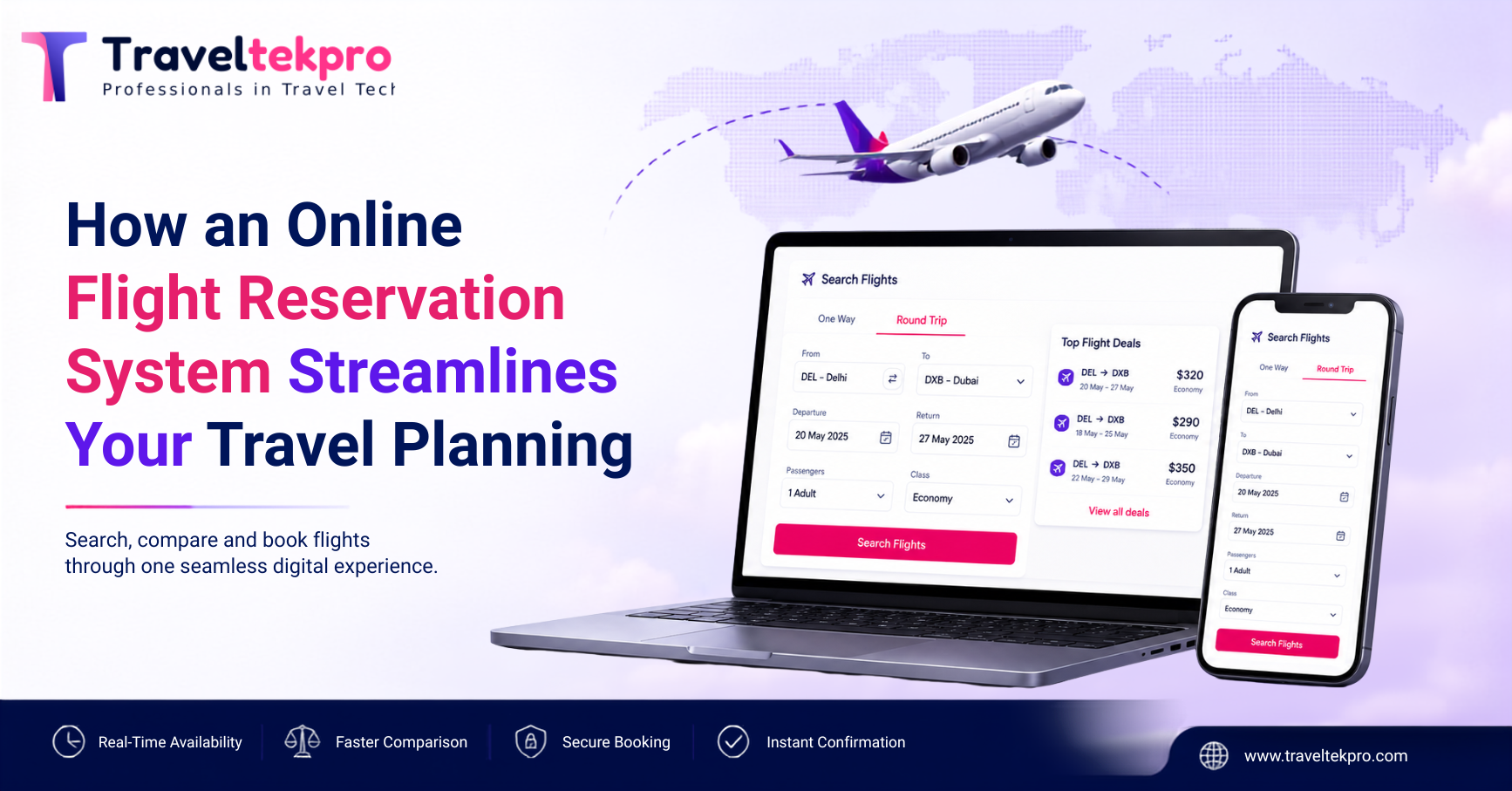
How an Online Flight Reservation System Streamlines Your Travel Planning
How an Online Flight Reservation System Streamlines Your Travel Planning Booking a flight might look very simple from the outside. A traveller searches for a destination, compares a few options and makes the payment. But…
Aug 21, 2026Read More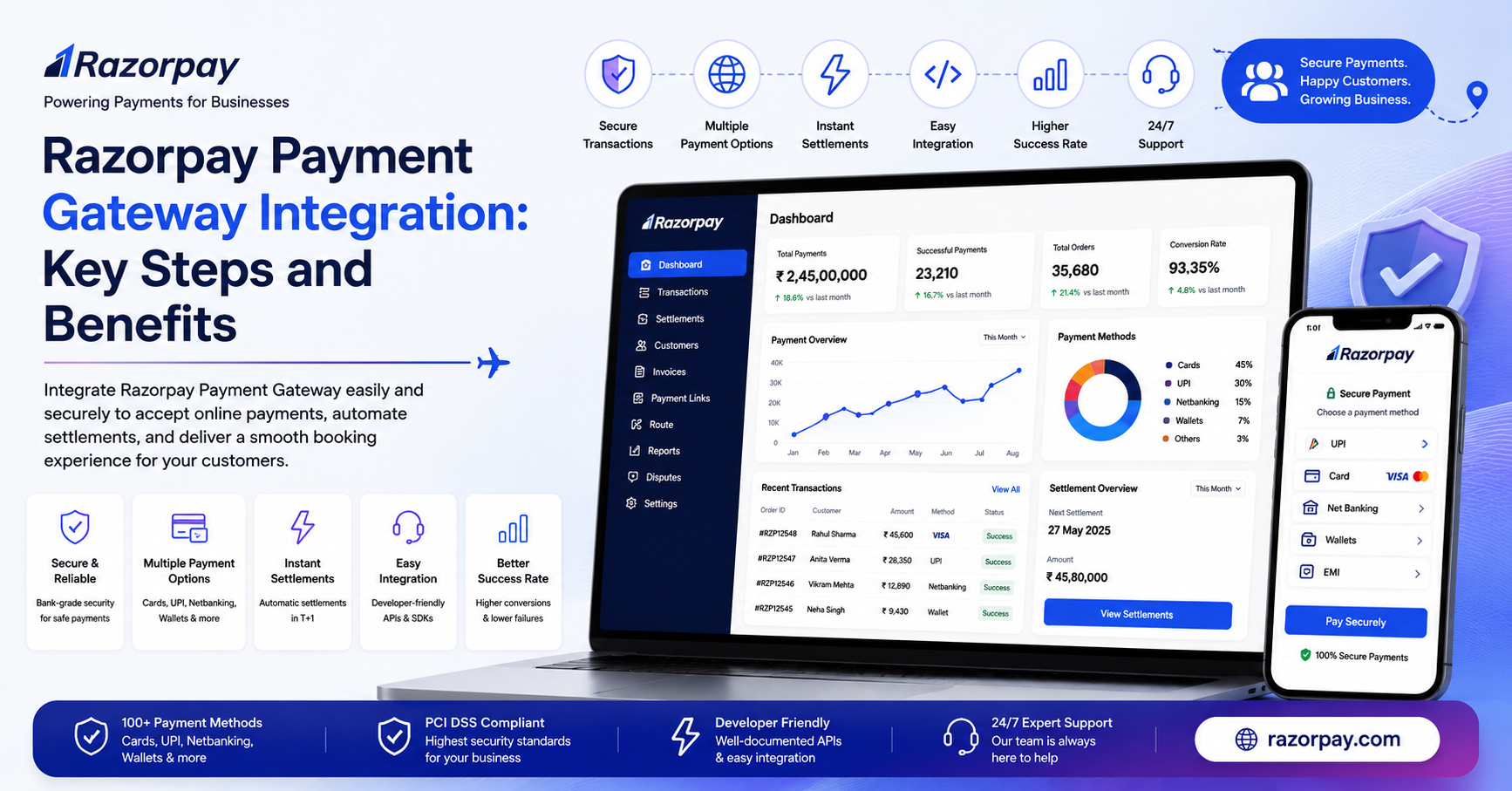
Understanding Razorpay Payment Gateway Integration: Key Steps and Benefits
Understanding Razorpay Payment Gateway Integration: Key Steps and Benefits A customer can spend 10 minutes comparing flights, checking hotel rooms or building a holiday package and still walk away at the final step. Not because…
Aug 20, 2026Read More
Get in touch
Email Us
sales@traveltekprogroup.com“We opted for Traveltekpro to construct and implement our Flight booking system, and I am thoroughly pleased with the outcomes. Their team displays remarkable efficiency, expertise, and utmost professionalism throughout the project.”

Arun Neli
Chief Operating Officer
“I had a fantastic experience with Traveltekpro! Their custom booking system designed for our platform is not only sleek and easy to use,but it has also received excellent feedback rom our customers. Kudos to the Traveltekpro team for their outstanding work!”

Benjamin Smith
Product Manager
“Traveltekpro has been a delight to collaborate with on two distinct occasions, showcasing professionalism and expertise. Their team demonstrates a commitment to surpassing expectations and adheringto deadlines.”

Kevin Brown
CTO
“We partnered with Traveltekpro for our travel booking platform, and the experience was excellent. The team understood our requirements quickly, delivered on time, and provided great support throughout the project. Highly recommended.”

Manish Singh
Director of IT
“Great experience working with Traveltekpro. They were responsive, knowledgeable, and always ready to suggest better solutions. The final product exceeded our expectations, and the after-launch support has been excellent.”

Shubham Rawat
Founder & CEO